
Object Remover AI - Smart Image Cleanup
Eliminate unwanted objects from your images instantly with AI. Just upload your photo, describe what to remove, and receive a clean result in seconds.
Remove Objects from Your Images
Upload an image and let AI automatically detect and remove unwanted objects
Model Settings
Your Clean Image Will Appear Here
Upload an image with unwanted objects to see the magic happen!


Why Choose Our Object Remover AI?
State-of-the-art AI technology delivering professional object removal results
Intelligent Object Detection
AI automatically recognizes and eliminates objects while maintaining the background context. Manual selection is not required.
Natural Background Reconstruction
Smart reconstruction fills the removed area with matching background patterns for realistic-looking results.
Batch Object Removal
Eliminate multiple objects in a single operation. Ideal for decluttering photos or removing various unwanted elements.
Maintain Image Quality
Preserve original resolution and quality while removing objects. No pixelation or quality degradation.
How to Remove Objects from Photos
Follow these simple steps to get clean, professional images in seconds

Upload Your Image
Upload any photo with unwanted objects. Supports JPG, PNG, WebP formats up to 20MB.
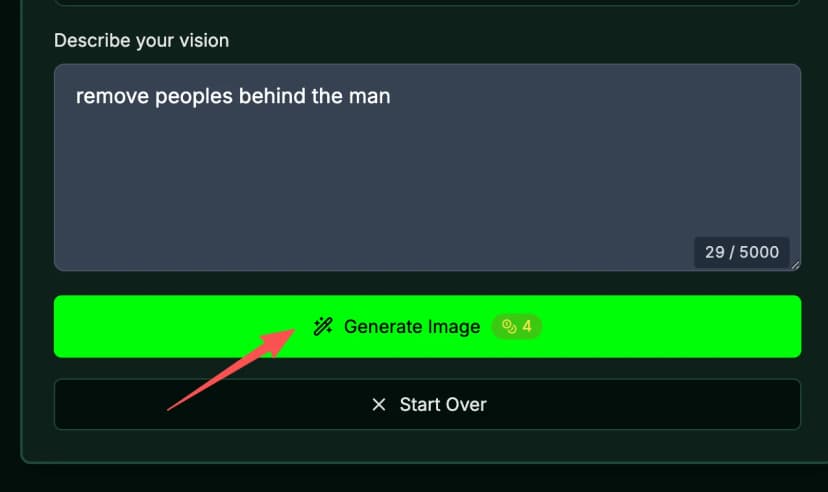
Describe What to Remove
Type a text description of the objects you want to remove from your image. Be specific for best results.
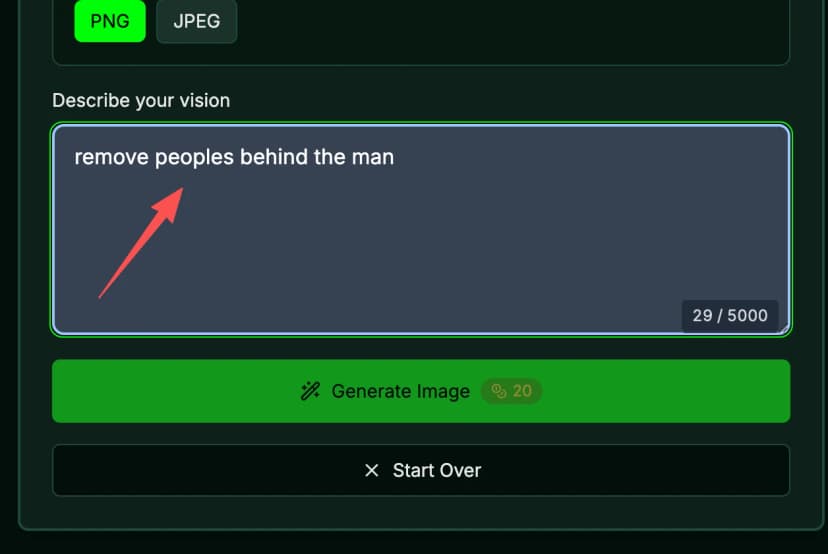
Generate & Download
Click the generate button and instantly download your cleaned image in original quality.
Advanced Object Removal Features
Professional-grade AI technology for all your image editing needs

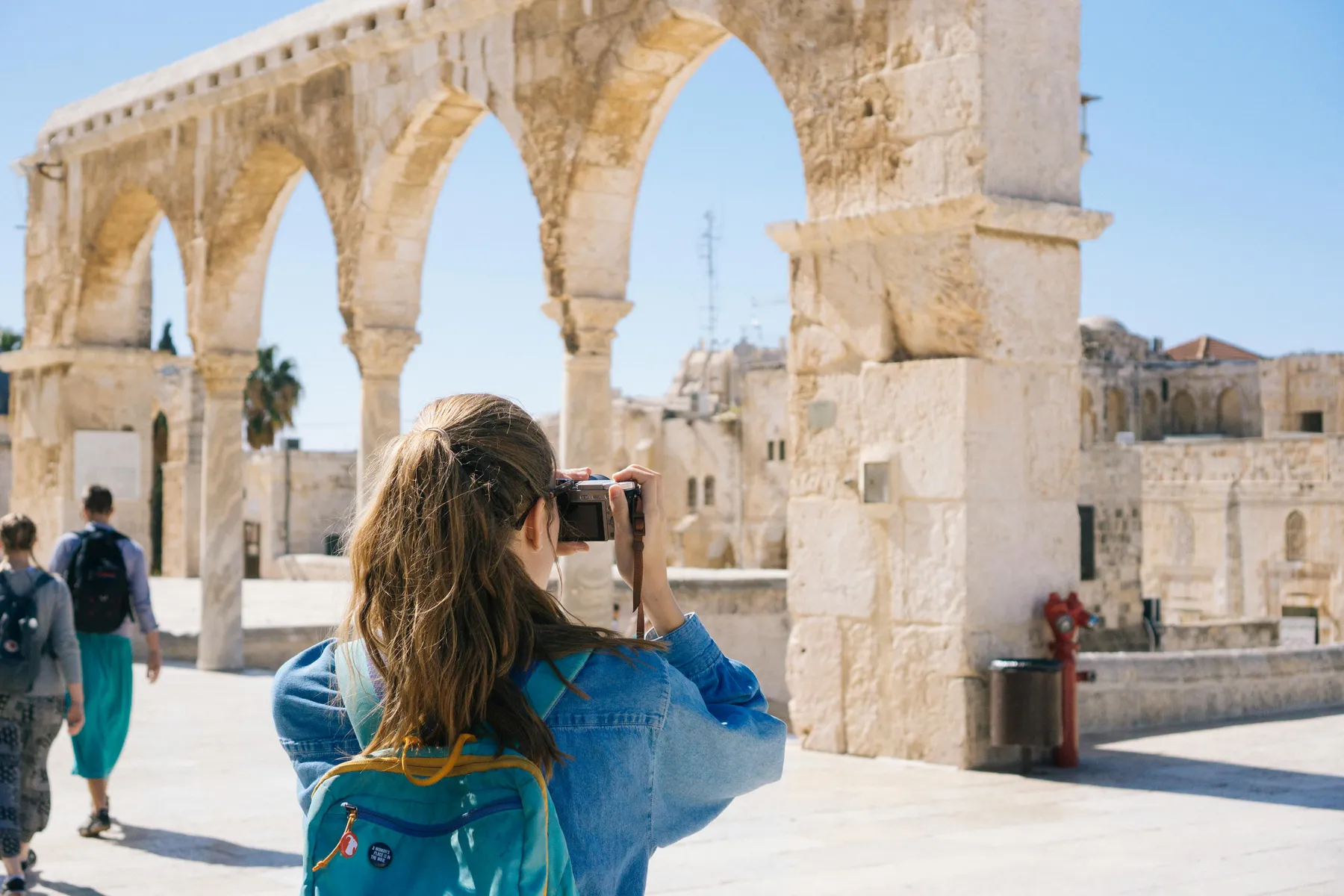
Remove People and Strangers
Eliminate tourists, bystanders, or unwanted people from your photos. AI reconstructs the background flawlessly.

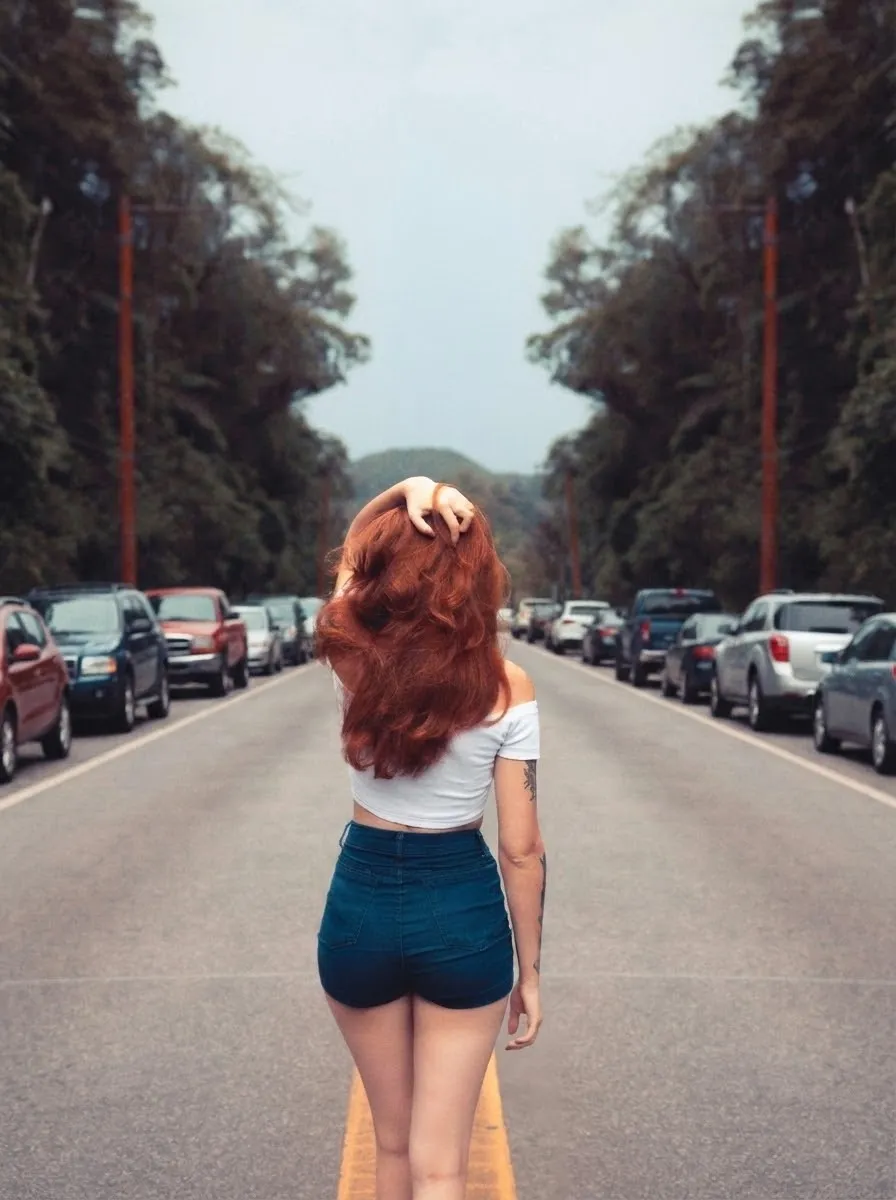
Remove Vehicles and Cars
Erase cars, trucks, motorcycles, or any vehicles from street photos or backgrounds.
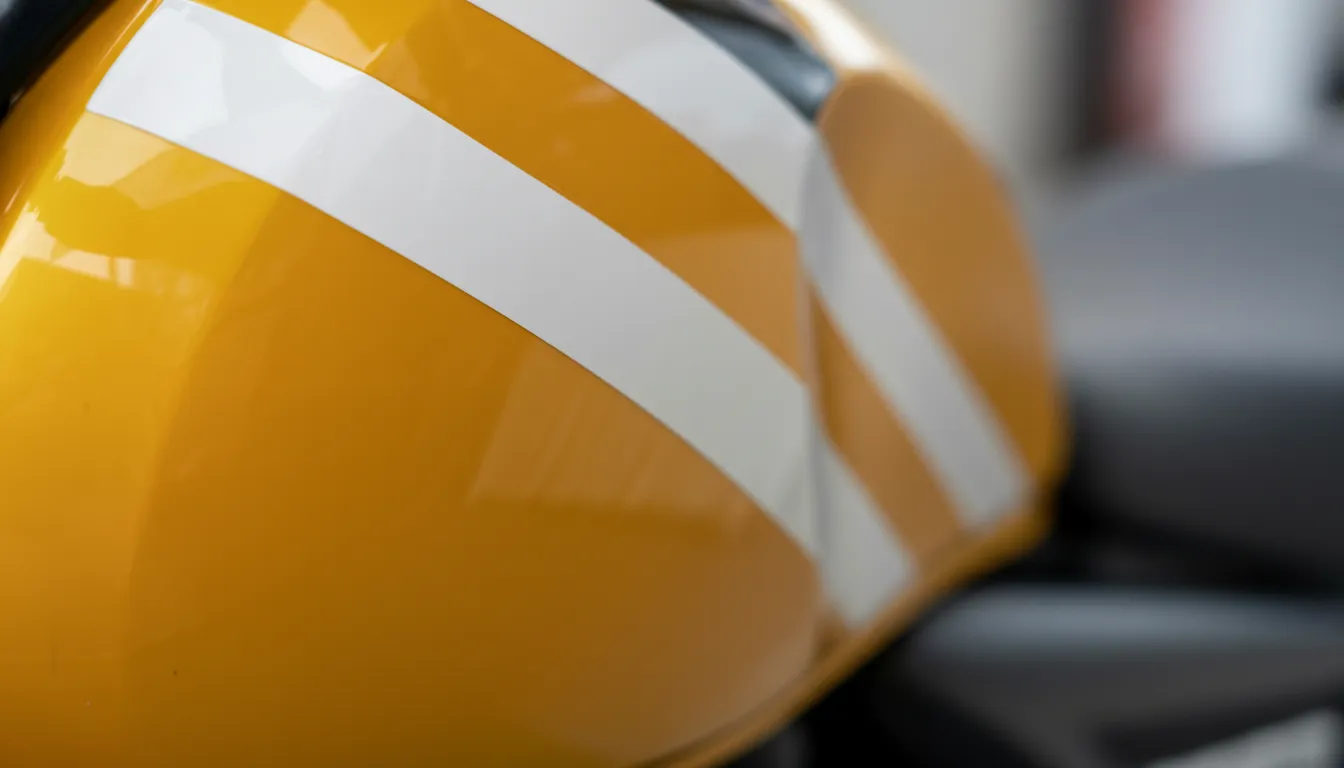
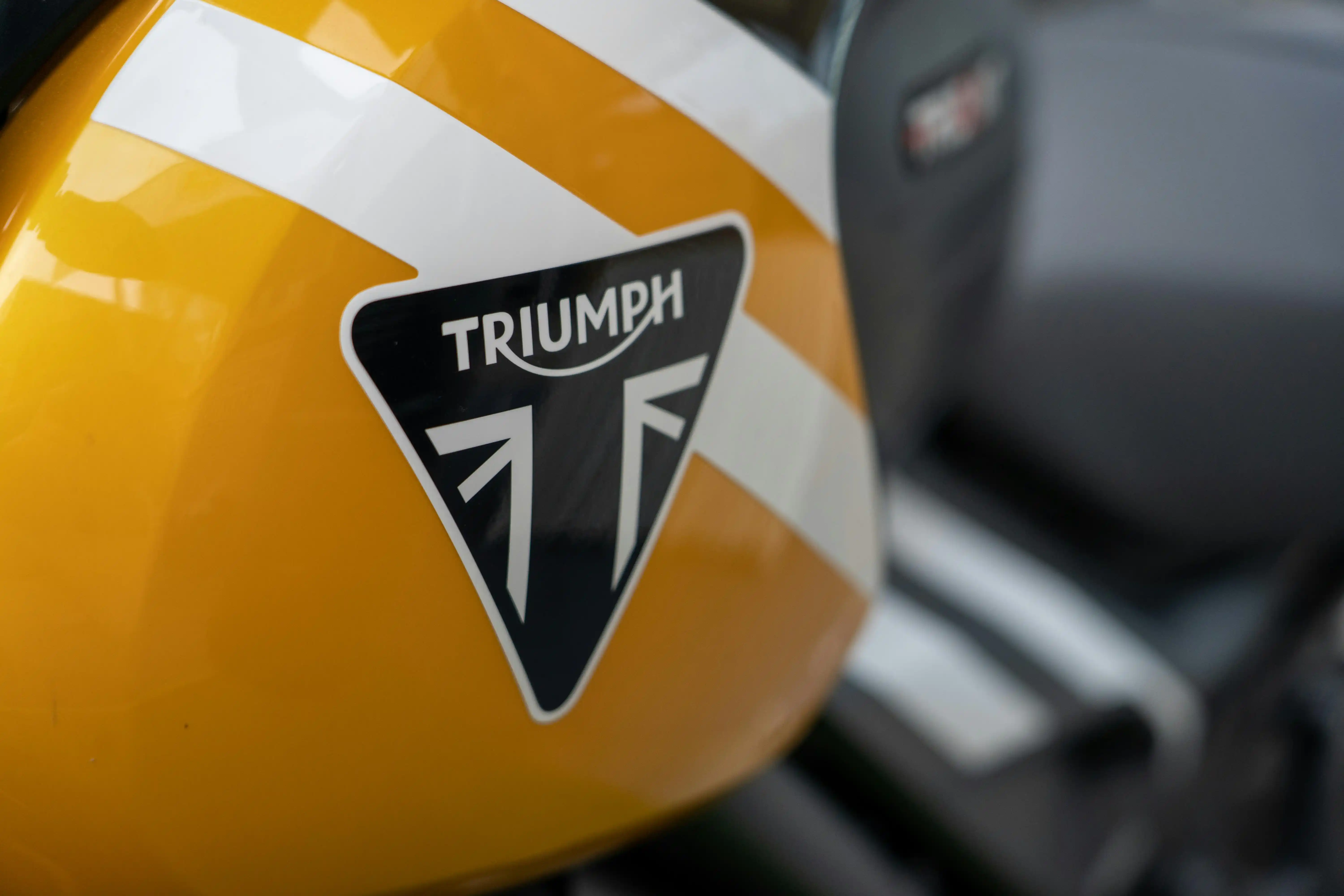
Remove Text and Watermarks
Clean up images by removing watermarks, text overlays, logos, and branding. Perfect for professional use.
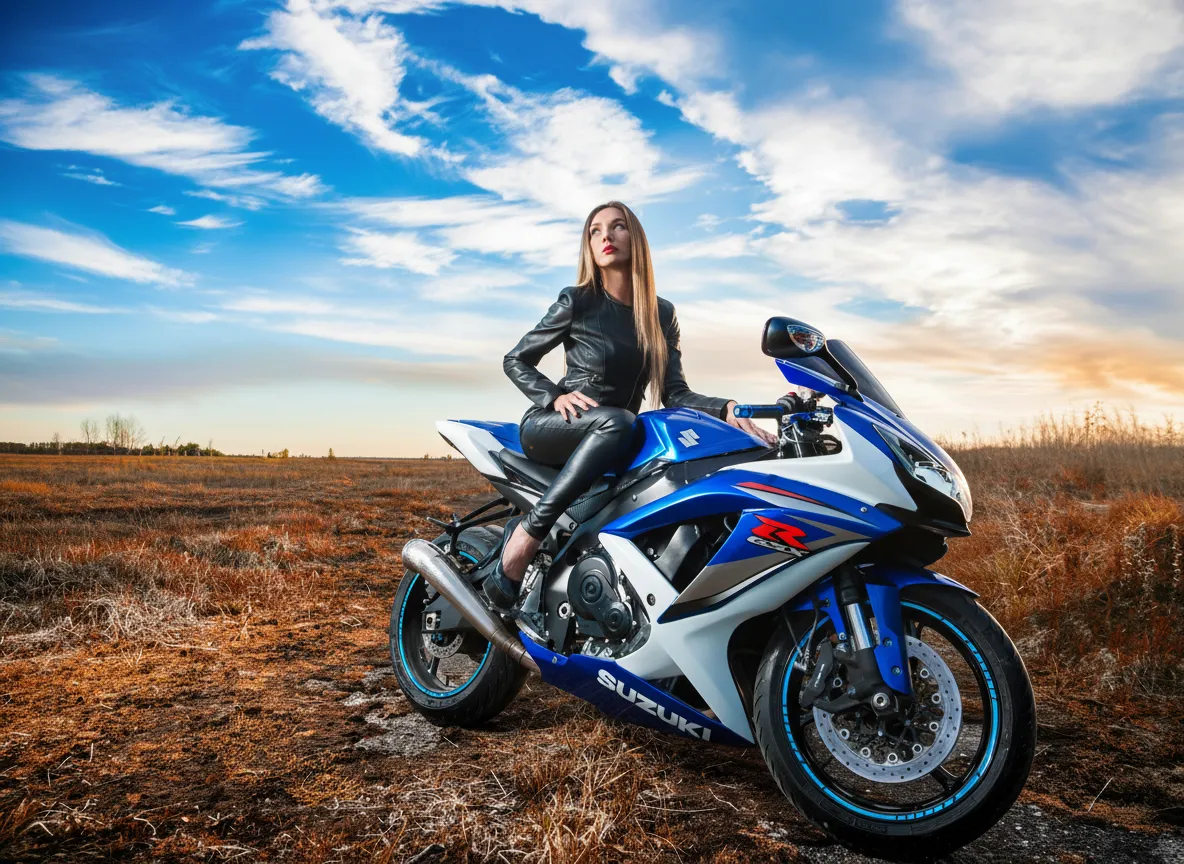
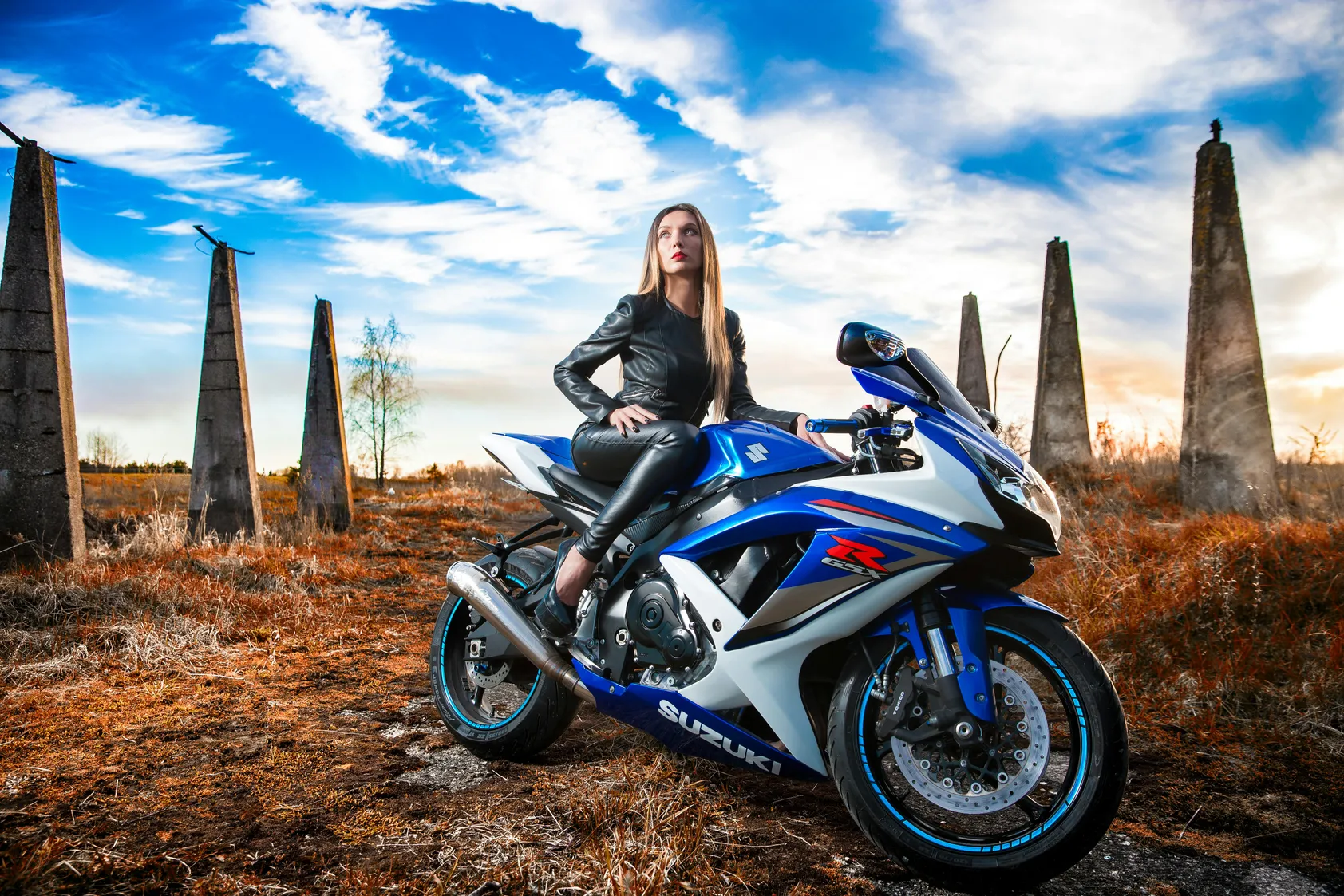
Remove Power Lines and Poles
Enhance landscape photography by removing power lines, utility poles, and artificial structures.
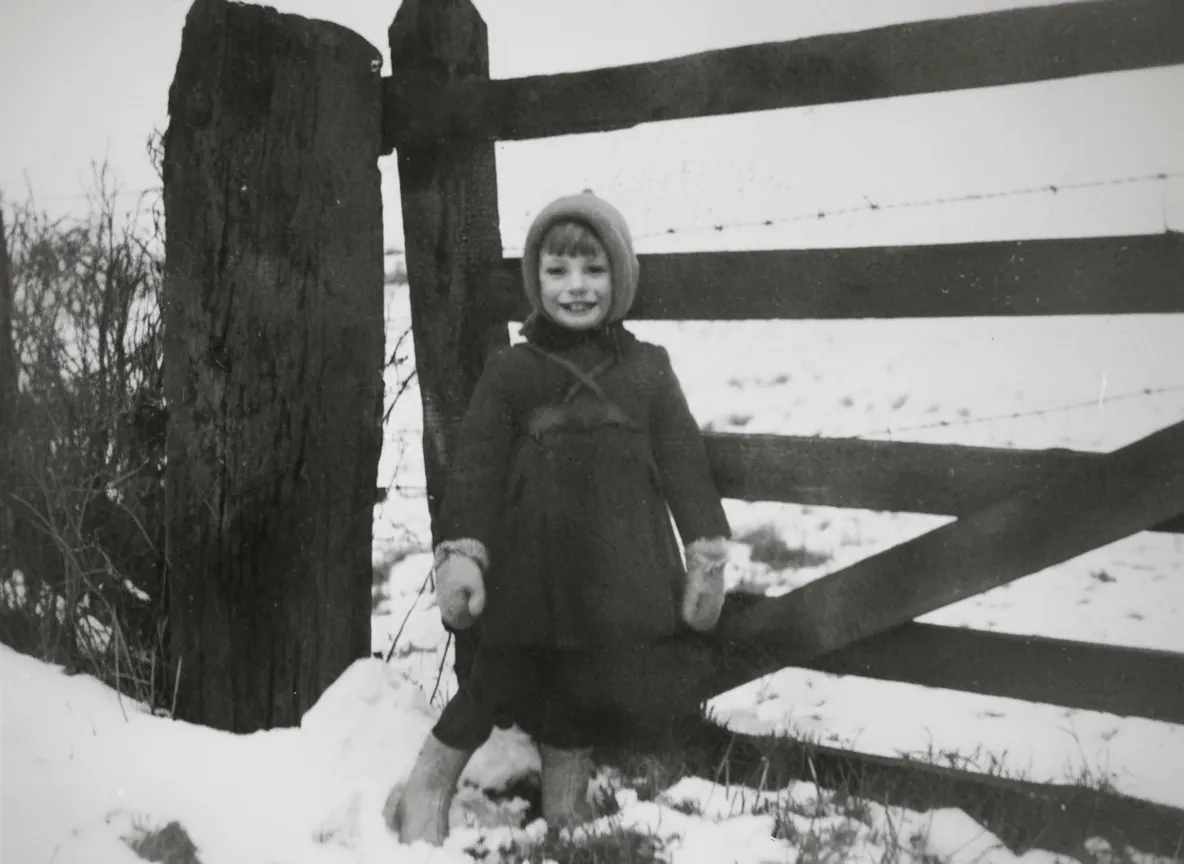
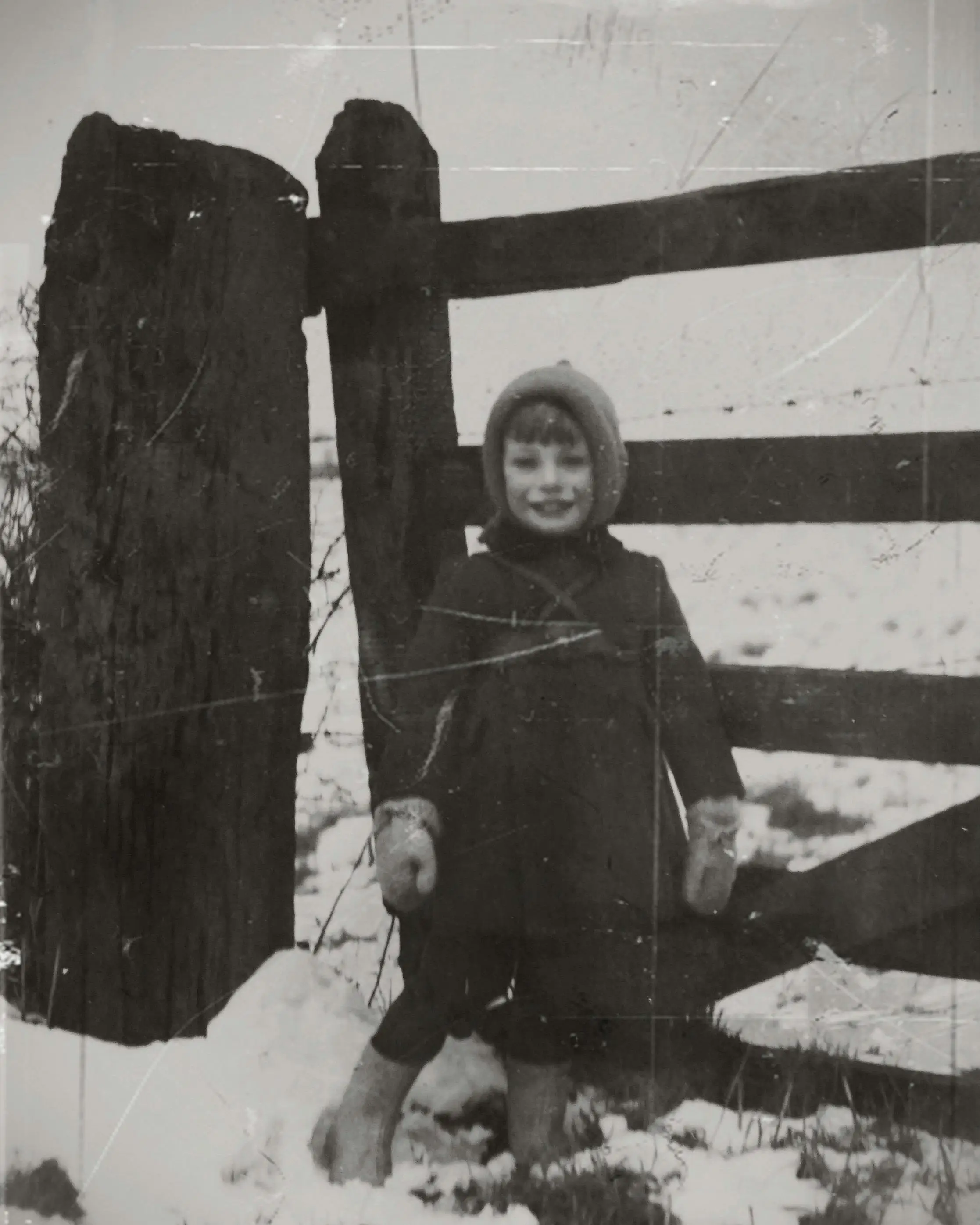
Remove Dust and Scratches
Restore old photos by automatically removing dust spots, scratches, and other imperfections.


Remove Blemishes
Touch up portrait photos by naturally removing skin blemishes, acne, and minor imperfections.
Who Can Benefit from Object Remover AI?

Perfect your shots by eliminating distractions. Get clean compositions without time-consuming manual editing.

Present properties in their best light by removing personal items, clutter, and temporary objects.

Create clean, professional content for brand accounts by removing unwanted elements from photos.

Showcase products cleanly by removing background objects, reflections, and distracting elements.
Frequently Asked Questions
What types of objects can I remove from photos?
You can remove almost any object including people, text, logos, watermarks, power lines, furniture, debris, blemishes, and more. Our AI is trained to handle various object types while maintaining natural-looking results.
How does the AI object removal work?
Our AI analyzes your image to identify the object and its surroundings. It then intelligently reconstructs the background by sampling pixels from nearby areas, creating a seamless fill that matches the original image context.
Will the image quality be preserved?
Yes, our object remover maintains the original resolution and quality of your image. The AI ensures that the filled area blends naturally with surrounding pixels without pixelation or quality loss.
Can I remove multiple objects at once?
Absolutely! You can mark multiple objects or areas for removal in a single processing run. This is perfect for cleaning up cluttered photos or removing several unwanted elements efficiently.
What image formats are supported?
We support all common image formats including JPG, PNG, WebP, and more. Files up to 20MB can be uploaded for processing.
How long does object removal take?
Most object removal tasks complete in 30-60 seconds. Processing time depends on image size, resolution, and the complexity of objects being removed.
Is my data secure and private?
Yes, all images are processed securely in the cloud and automatically deleted after processing. We do not store your images or use them for any other purposes.
Can I use this for commercial purposes?
Yes, you can use object-removed images for commercial purposes including marketing materials, product listings, social media, and more.
Ready to Remove Unwanted Objects?
Transform your photos in seconds with AI-powered object removal. Fast, easy, and professional results.